
For patients
A visit that keeps patients informed, from booking to follow-up.
Patients of a PyMedic clinic book online, know their place in the queue, receive their prescription on WhatsApp and get reminded about what comes next. There is no app to install.
- BookOnline
- Get tokenInstantly
- Check queueLive updates
- ConsultYour doctor
- Get prescriptionOn WhatsApp
- Stay updatedFollow-up reminders
- No app required
- WhatsApp updates
- Secure & private
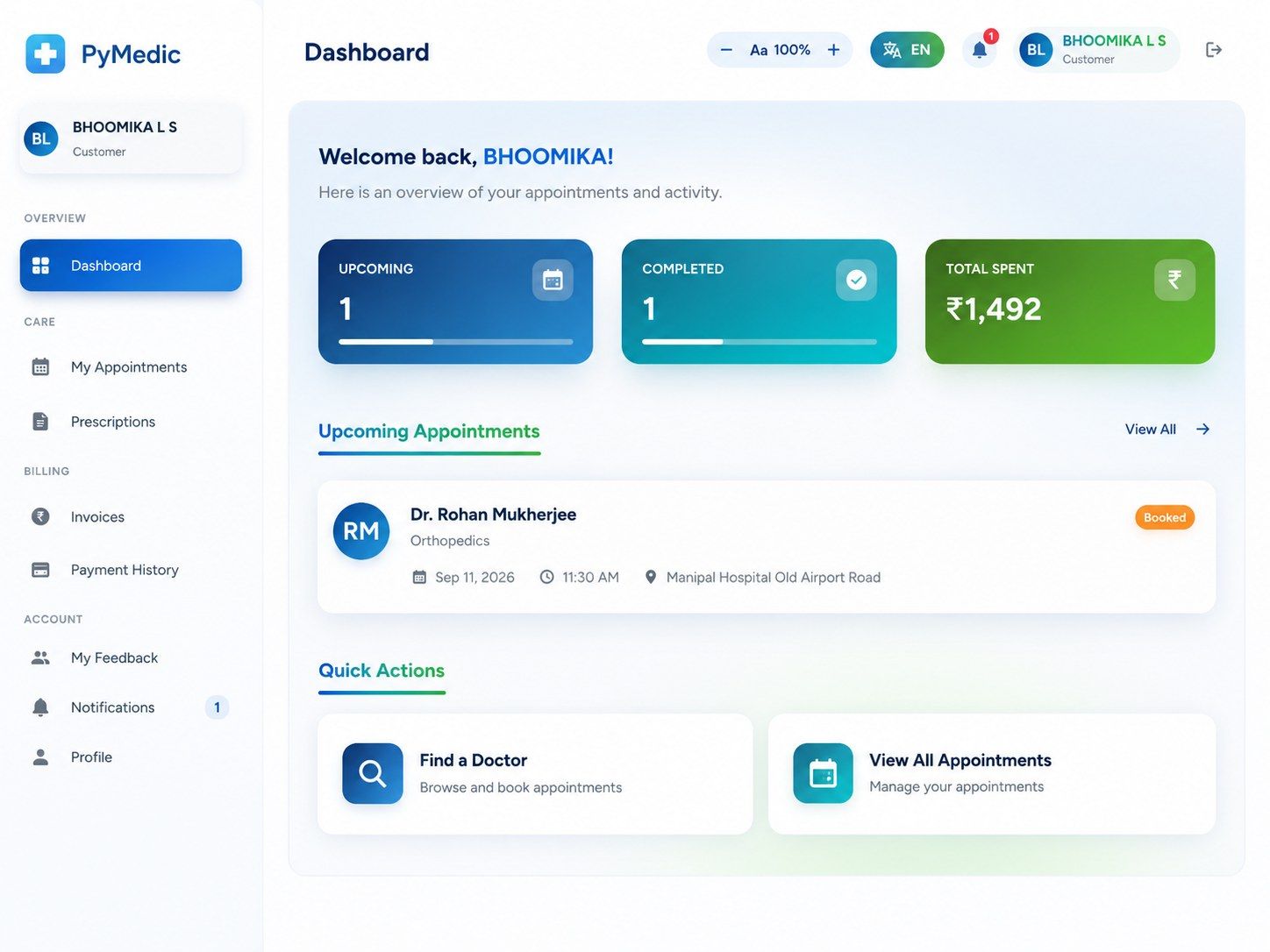
The patient journey
Nine steps, none of them a phone call to the desk.




- Find
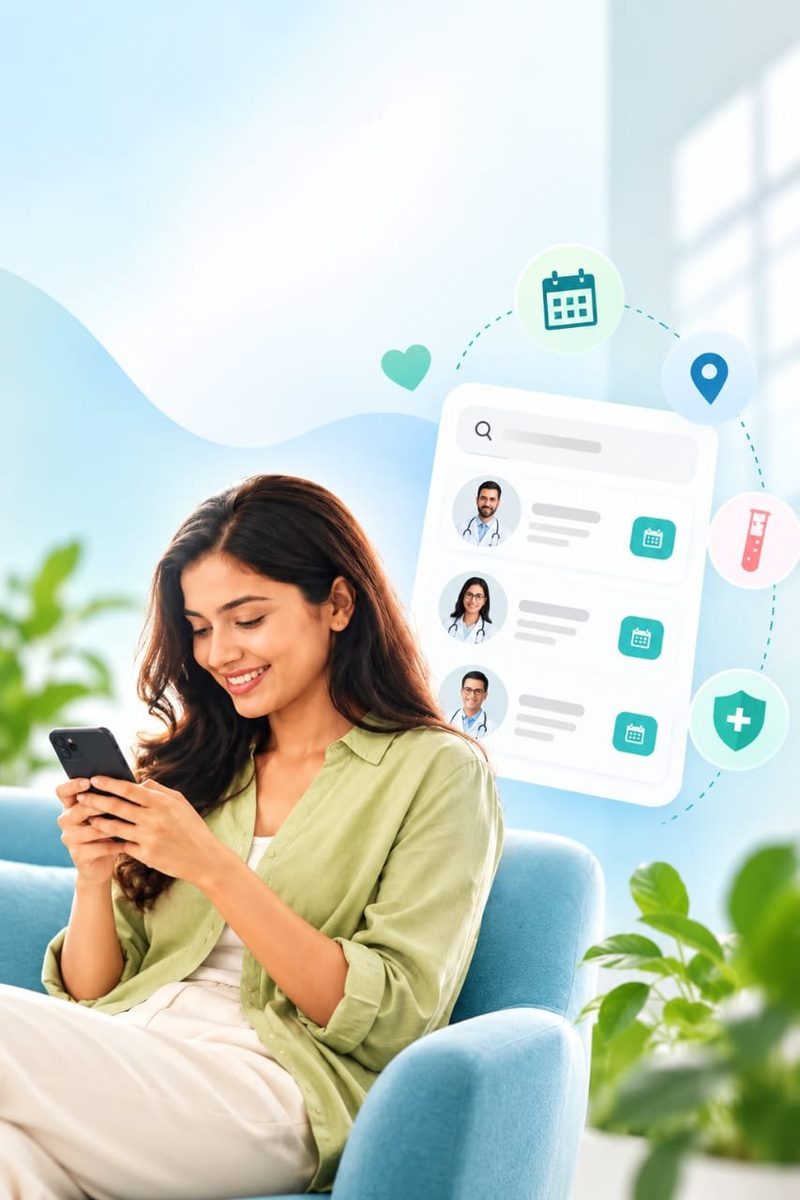
Browse doctors by specialisation, location and availability on the clinic's booking page.
- Book
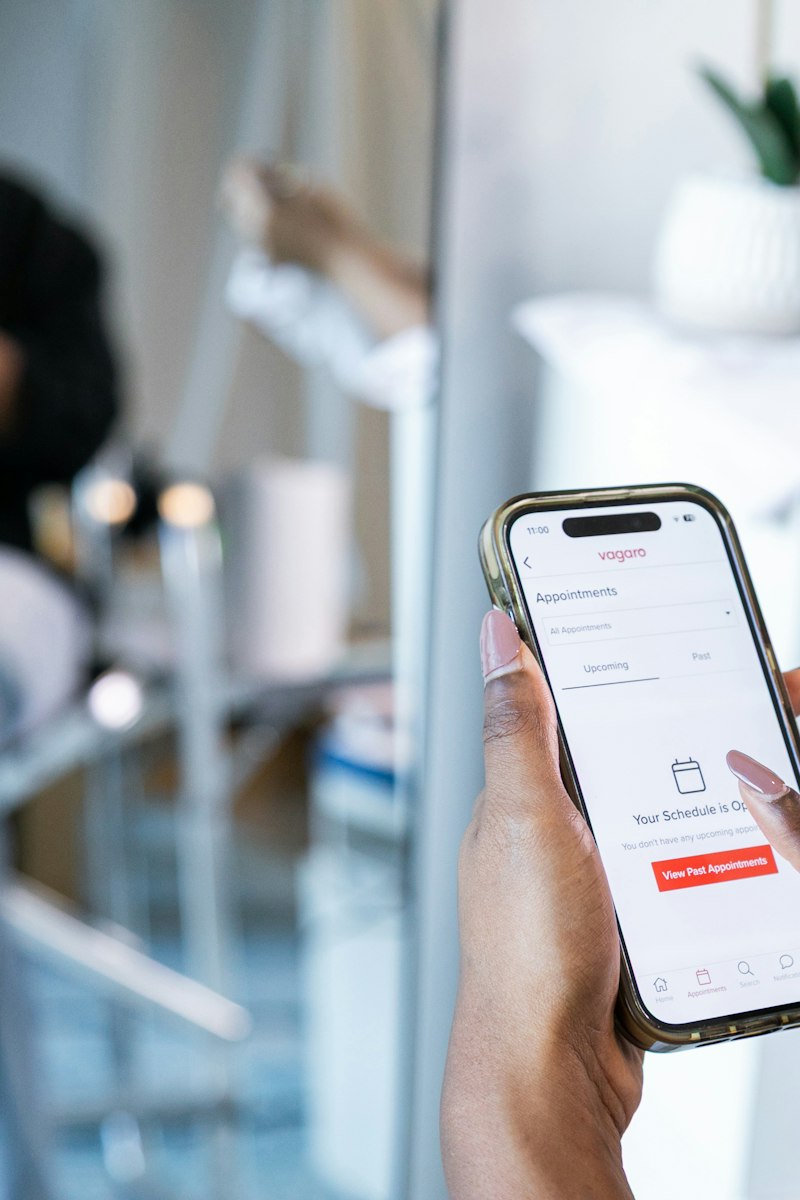
Choose a doctor, a date and a slot, in person or by video consultation.
- Confirm
A WhatsApp message with the doctor, time, token number and a queue link.
- Check in
At the front desk or the self-service kiosk. The token is activated.
- Track the queue
The waiting-room screen and the phone show the live position and estimated wait.
- Consult
The doctor records the visit by voice and spends the time on the patient.
- Receive the prescription
A PDF on WhatsApp with the medicines, tests and the follow-up date. Also in the patient portal.
- Pay
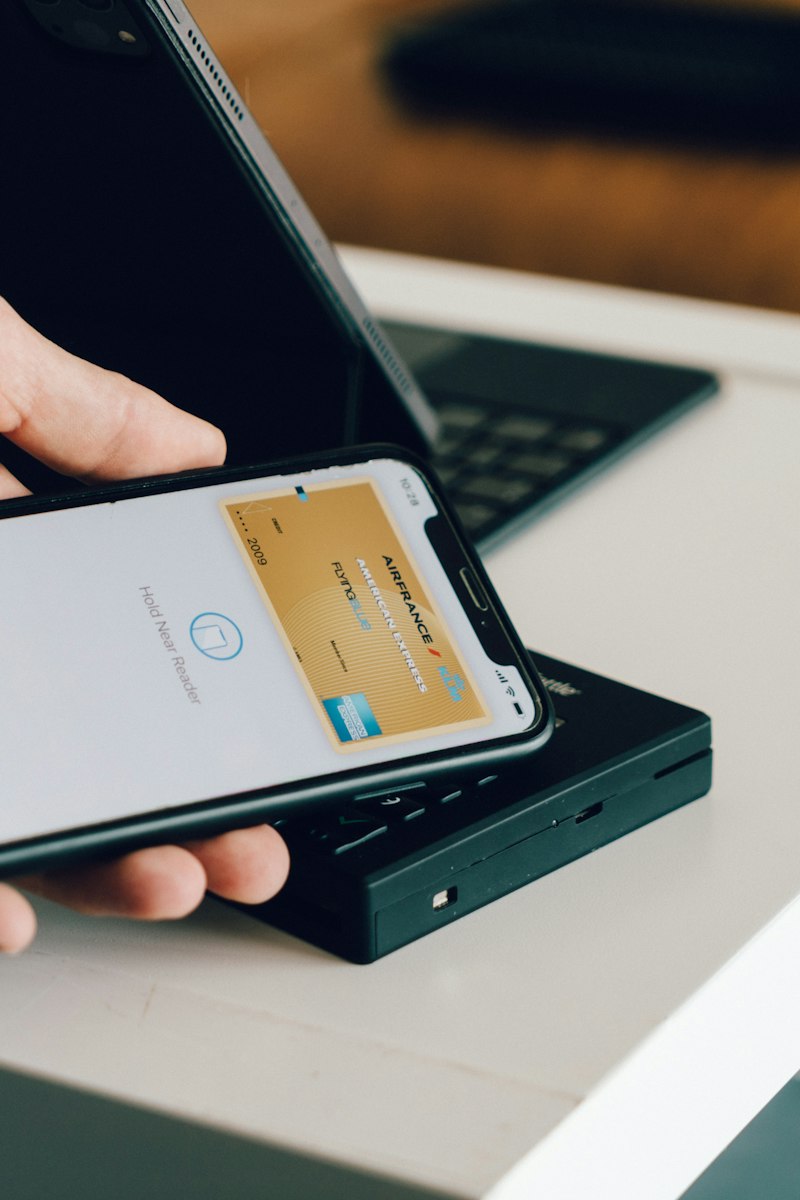
Consultation, test and pharmacy bills, payable online or covered by an employer.
- Follow up
Reminders on Day 3, 7 and 14, with a one-tap link to book the next visit.
What patients notice
Fewer questions at the desk. More answers on the phone.
- 01
Easier booking
Doctor, date and slot in a few taps, with the booking source recorded for the clinic.
- 02
Queue visibility
"You are #3, about 9 minutes." Patients can step out and come back on time.
- 03
Communication on WhatsApp
Confirmations, prescriptions and replies come from the clinic's number, not a personal one.
- 04
Digital prescription
A legible, signed PDF with a QR code, kept in the chat and in the portal.
- 05
Follow-up reminders
Medicines, tests and the next appointment, remembered by the clinic.

Give your patients a visit they can follow.
See the booking page, the queue link and the WhatsApp messages exactly as a patient receives them.